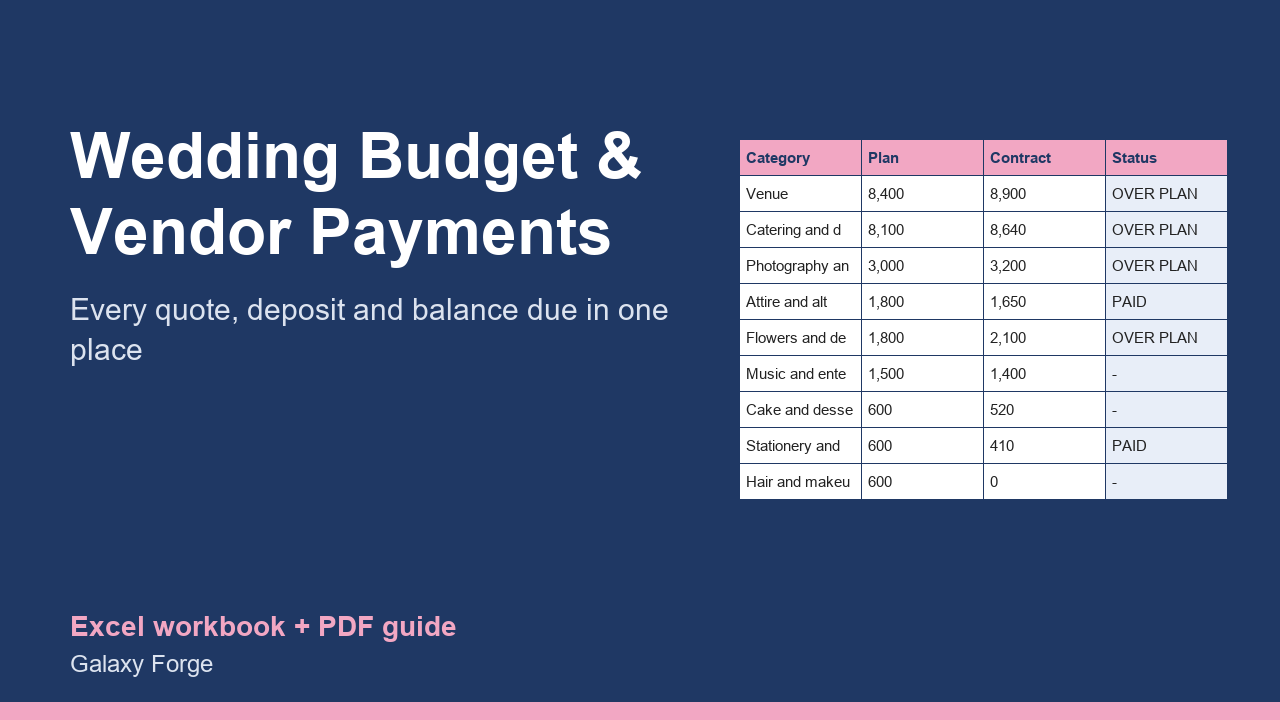
Split your budget across categories, record every quote and contract, track deposits and the balances still due, and see at once which category has gone over.
Wedding budgets slip one category at a time: a venue quote a little over plan, a few extra guests on the catering contract, a deposit nobody wrote down. By the time it shows, the money is committed.
This workbook keeps the budget and the contracts in one place. You set a total and split it across categories; for each category you record what you have actually agreed with the vendor, what you have paid and when the balance is due. Every category over its plan is flagged, and the Summary shows money committed, paid, still owed, and the cost per guest.
It is built for the way weddings are paid: deposits first, balances weeks before the day, so the Vendors sheet lists every balance with its due date.
1) On Budget, enter your total budget and guest count. 2) On Vendors, adjust the categories and the planned share for each (the example split is only a starting point; the shares should add up to 100%). 3) As quotes arrive, enter the vendor and the contracted amount; record each payment as you make it and the date the balance is due. 4) Any category marked OVER PLAN needs a decision: cut elsewhere or raise the total. 5) The Summary shows what is committed, paid and still owed.
Price: $12, one-time. Download: wedding_budget_vendor_payment_planner.xlsx (Budget, Vendors, Summary) and this guide. Works in Excel 2016 or later, Excel for Mac and Excel on the web; opens in Google Sheets and LibreOffice.
New product, listed 2026-10-24: no sales or reviews yet. Example figures in the workbook are illustrative.
This workbook is a planning tool, not financial, legal or tax advice. Amounts and due dates are only as accurate as the figures you enter; always check payment terms and cancellation clauses in each vendor's written contract.