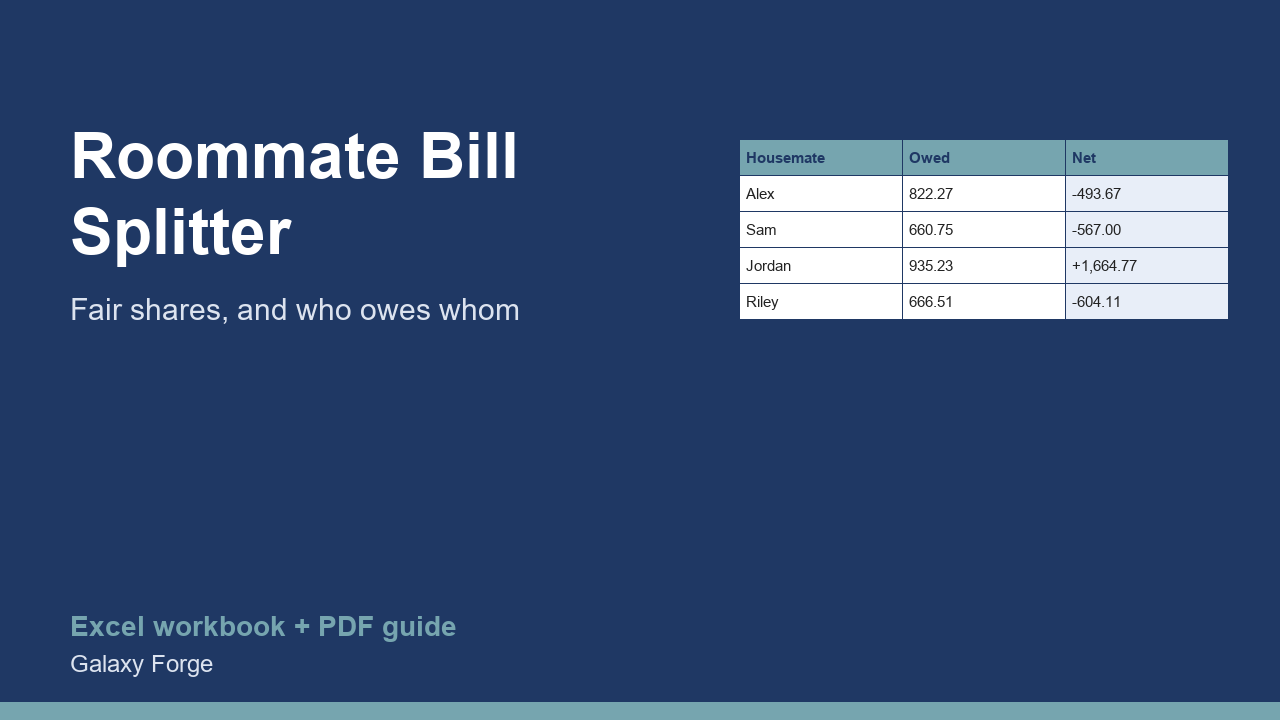
Split rent, utilities and shared costs between up to five housemates, choosing for each bill whether it is shared equally, by income or by room size, and see who owes whom at the end of the month.
Splitting bills evenly is simple but not always fair: the person in the biggest room or with the highest income may agree to pay more of the rent, while the internet bill is split equally. Doing that by hand every month is where arguments start.
This splitter lets you set a split method for each bill: Equal, Income (in proportion to each housemate's income) or Room size (in proportion to each room's floor area). It records who actually paid each bill, then works out what each housemate owed, what they paid, and the net balance: positive means they are owed money, negative means they owe.
Agree the method for each type of bill once, write it in the Bills sheet, and the monthly settle-up becomes a two-minute job.
1) On Housemates, enter up to five names with their income and room size (leave unused rows blank). 2) On Bills, list each bill with its amount, the split method (Equal, Income or Room size, exactly as written) and the name of whoever paid it. 3) Read Balances: positive = is owed money, negative = owes money.
Price: $7, one-time. Download: roommate_shared_bill_splitter.xlsx (Housemates, Bills, Balances) and this guide. Works in Excel 2016 or later, Excel for Mac and Excel on the web; opens in Google Sheets and LibreOffice.
New product, listed 2026-10-31: no sales or reviews yet. Example figures in the workbook are illustrative.
This workbook is a budgeting tool, not legal or financial advice. It does not replace a written tenancy or house-share agreement.